
Link an existing calendar item to a UCI calendar item

You can retrospectively link an existing calendar item to a UCI calendar item.

On the bottom of the edit page of a calendar item the reference section. Where you find the link to the UCI calendar item.
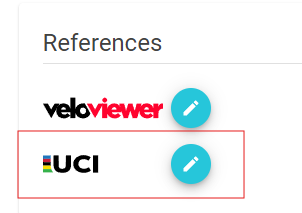
Pressing the pen button will open the search screen for UCI calendar items. Once it is linked the icons will change.
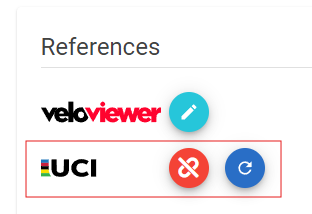
Pressing the red unlink button will remove the reference. The blue button will refresh the data in the calendar item with the data of the UCI calendar.

VeloDS

VeloDS is a product which has been developed by 14IT. A Dutch based company with 25 years of experience in software development.

Contact

Please use our contact form or WhatsApp to reach out to us.

Address

14IT is based in the Netherlands.

VeloDS
Privacy Overview

This website uses cookies so that we can provide you with the best user experience possible. Cookie information is stored in your browser and performs functions such as recognising you when you return to our website and helping our team to understand which sections of the website you find most interesting and useful.